
Ops UI
The Ops UI is a Vue 3 single-page application for managing Fineract loan operations, payment processing, file uploads, and reconciliation.
URL: https://turnoops.incentius.net
Login
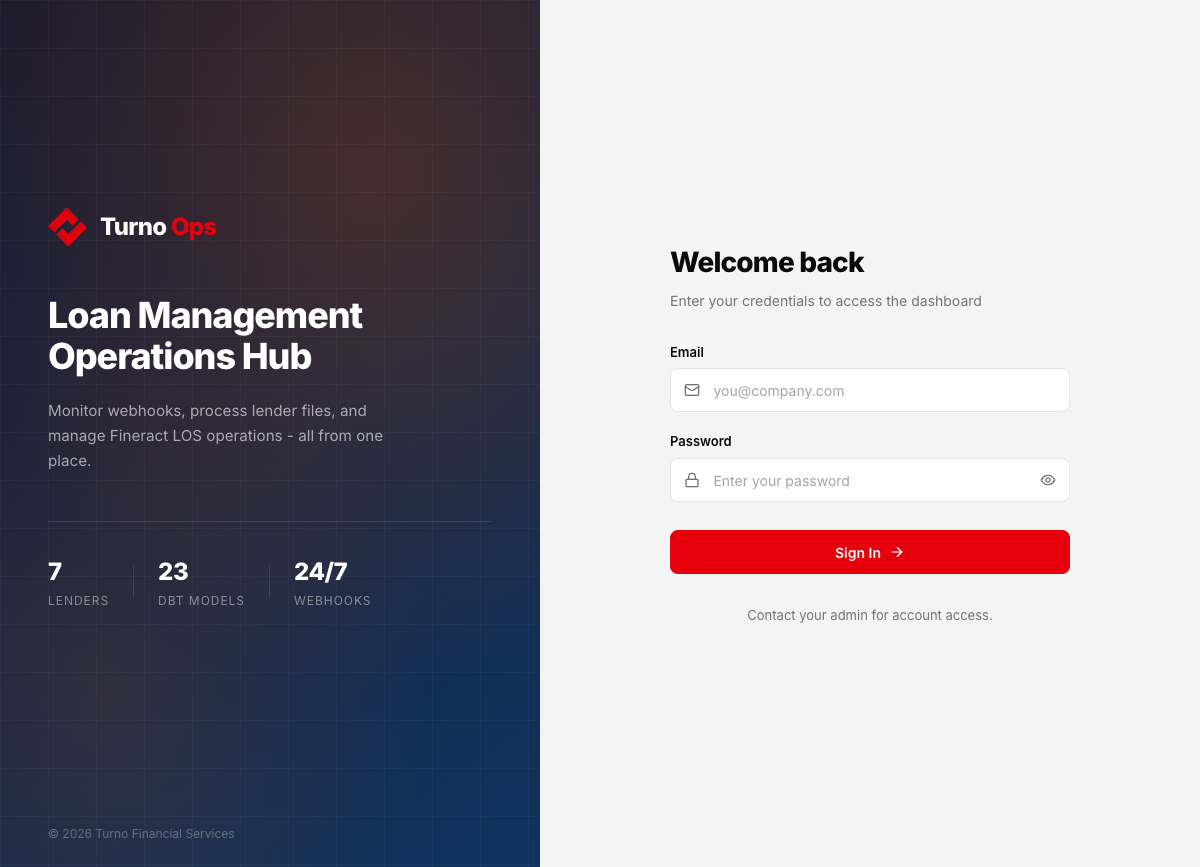
Role-based access with three levels:
- Viewer - read-only access to all pages
- Operator - can upload files, generate payment links, reconcile
- Admin - full access including user management
Dashboard
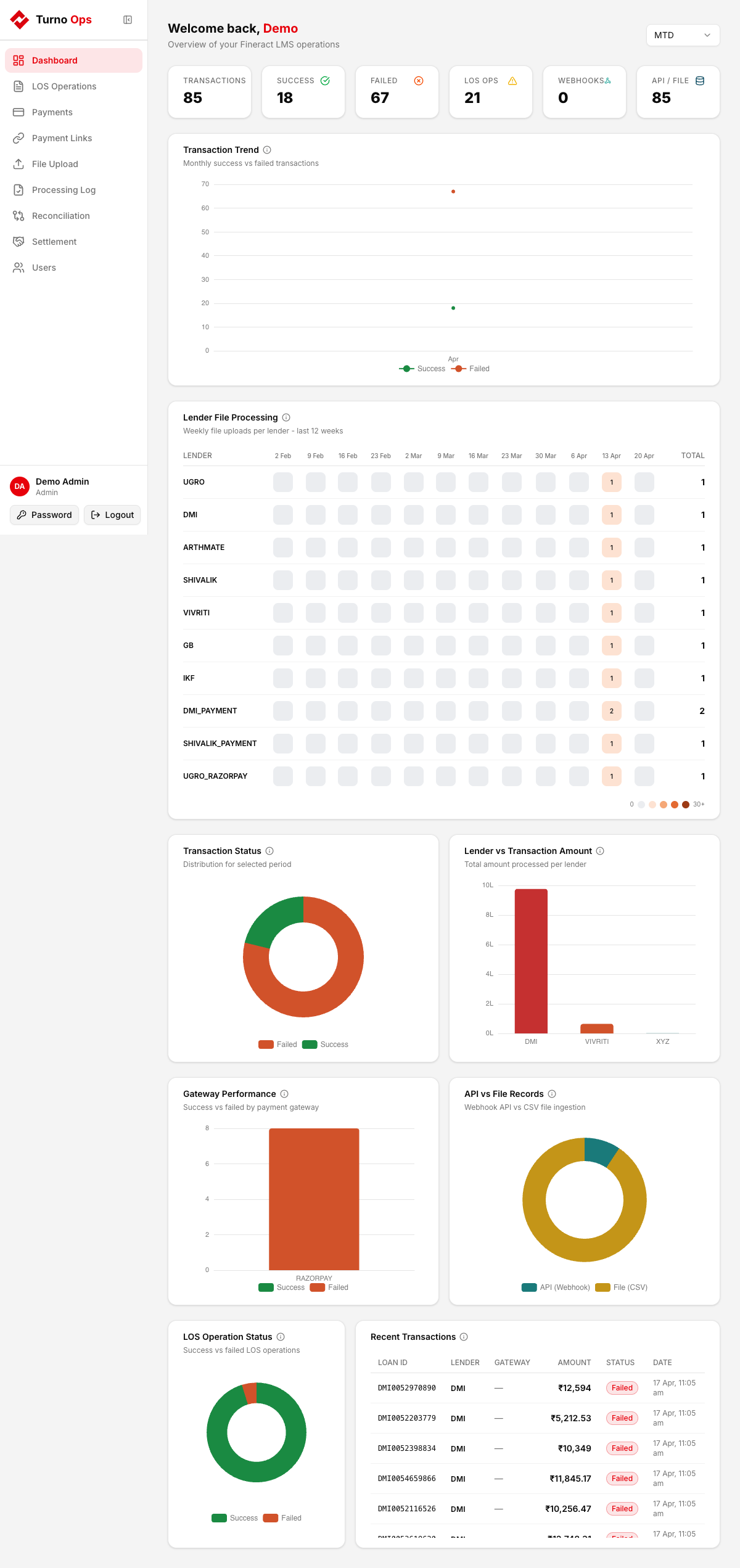
At-a-glance view of the entire system:
- KPI Cards - total operations, success/failure rates
- Transaction Heatmap - daily transaction activity
- Fineract Operation Status - bar charts for each operation type
- Lender File Status - processing status per lender
- LOS Operation Status - donut charts for create/approve/disburse
- Recent Transactions - latest webhook and file-based payments
LOS Operations
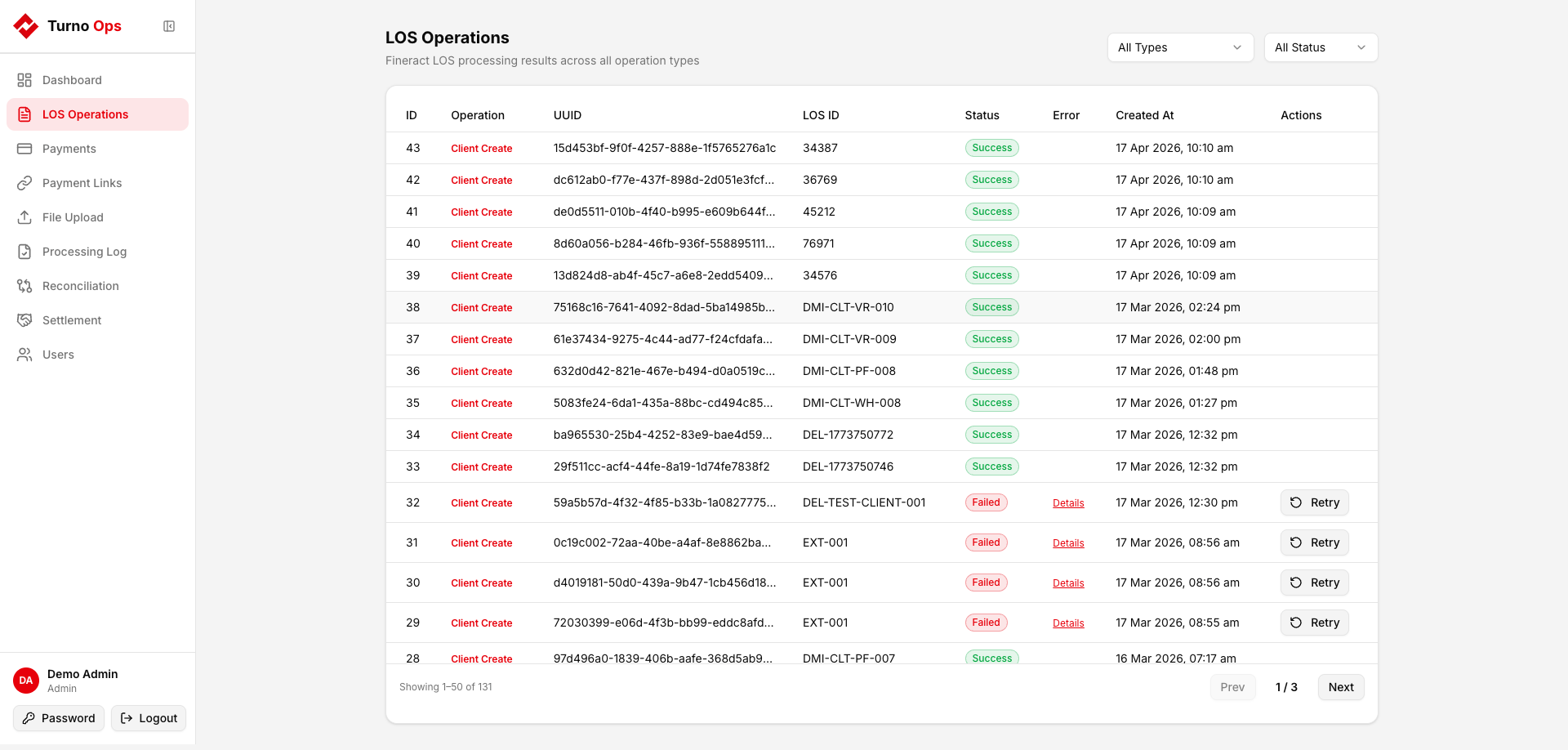
View all Fineract LOS (Loan Origination System) operations processed via the /operate endpoint:
- Client Create/Update
- Loan Create/Update
- Loan Approve
- Loan Disburse
- Loan Delete
Filter by operation type and status. Failed operations can be retried.
Payments
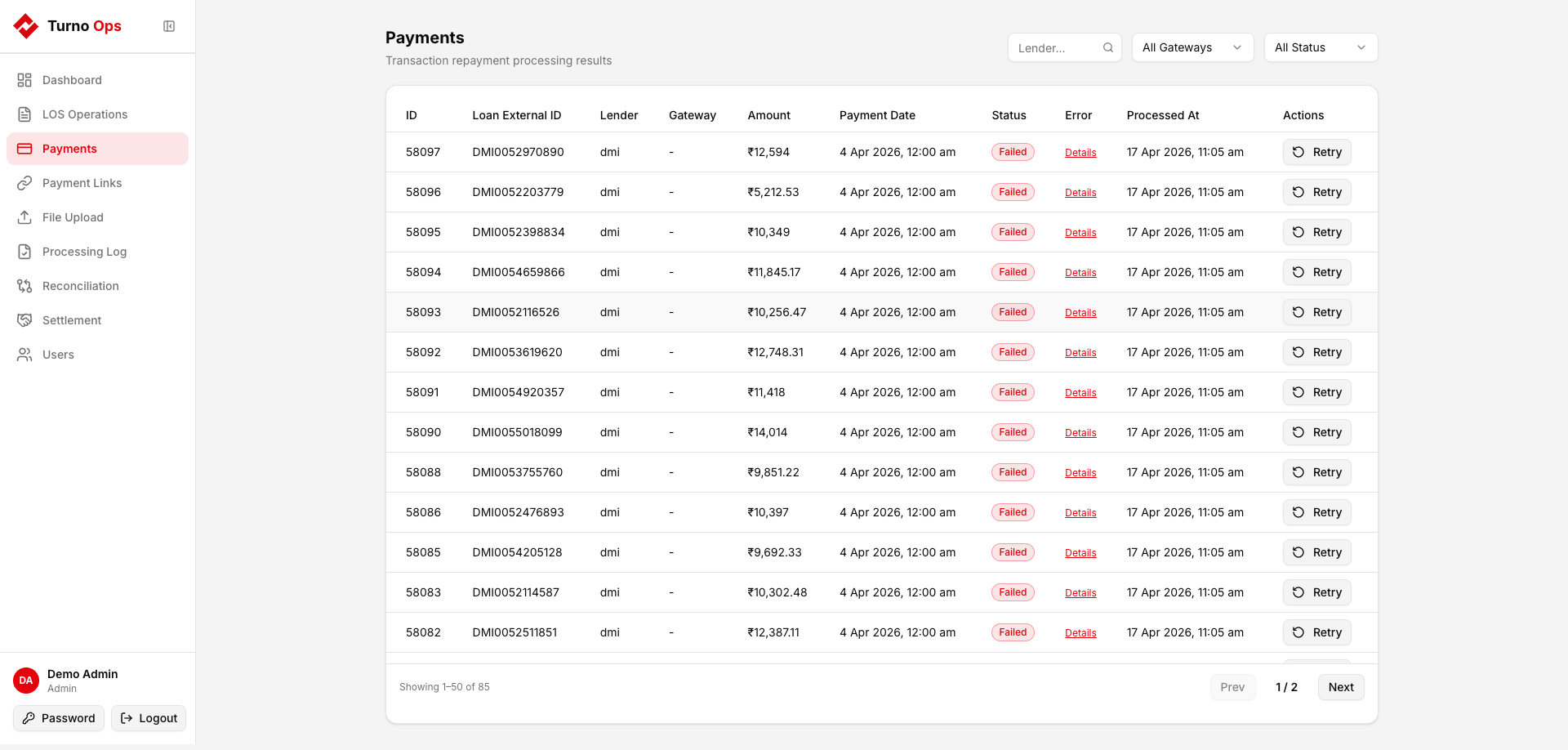
View all payment transactions posted to Fineract from both webhooks and NACH files:
- Filter by lender, gateway, status
- Shows loan ID, amount, date, payment gateway, UTR
- Failed payments can be retried
Payment Links
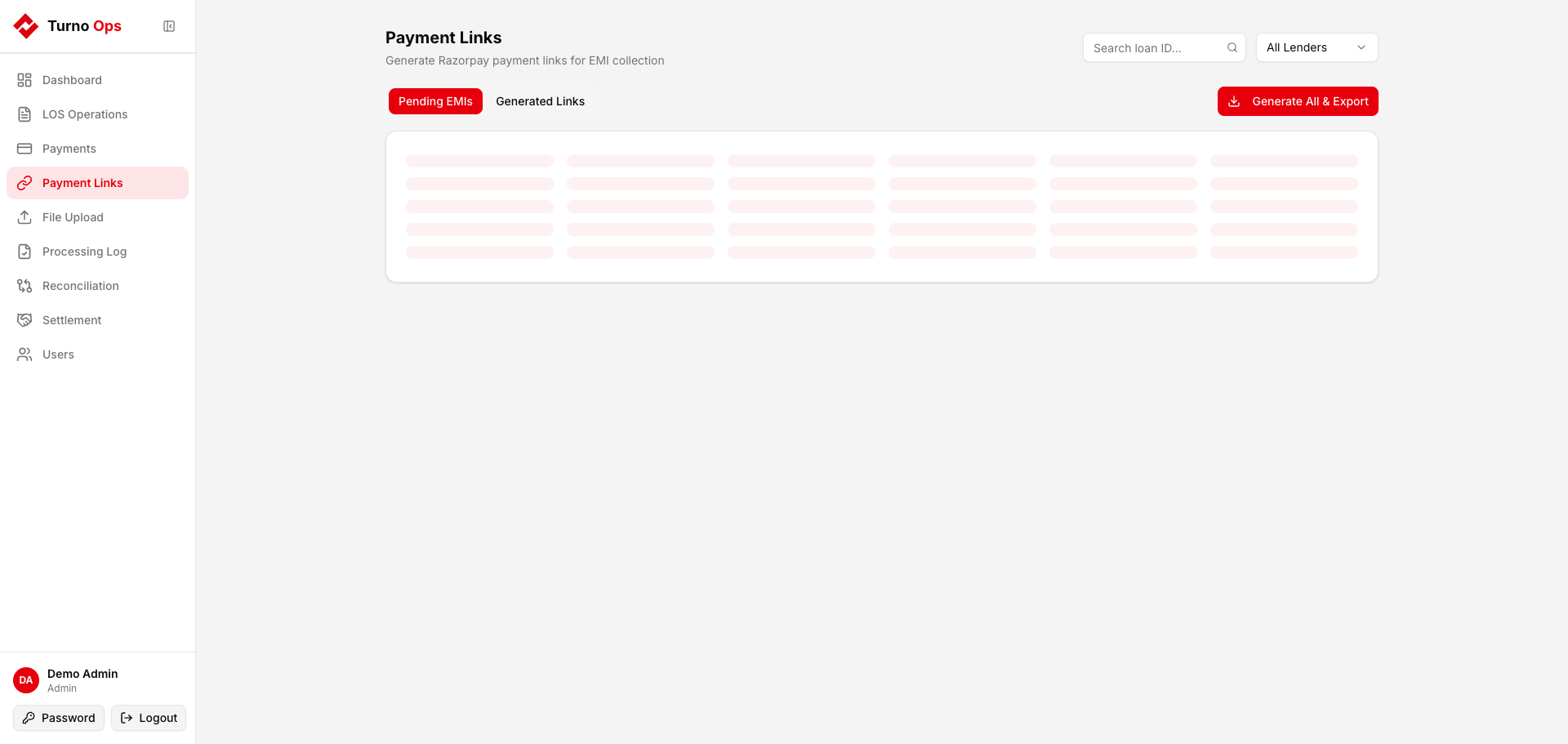
Generate Razorpay payment links for pending EMI collections:
- Pending EMIs tab - loans with overdue installments
- Generated Links tab - previously created payment links with status
- Bulk generation and CSV export
See Payment Links for details.
File Upload
Three tabs for managing lender payment files:
Payment / NACH Files
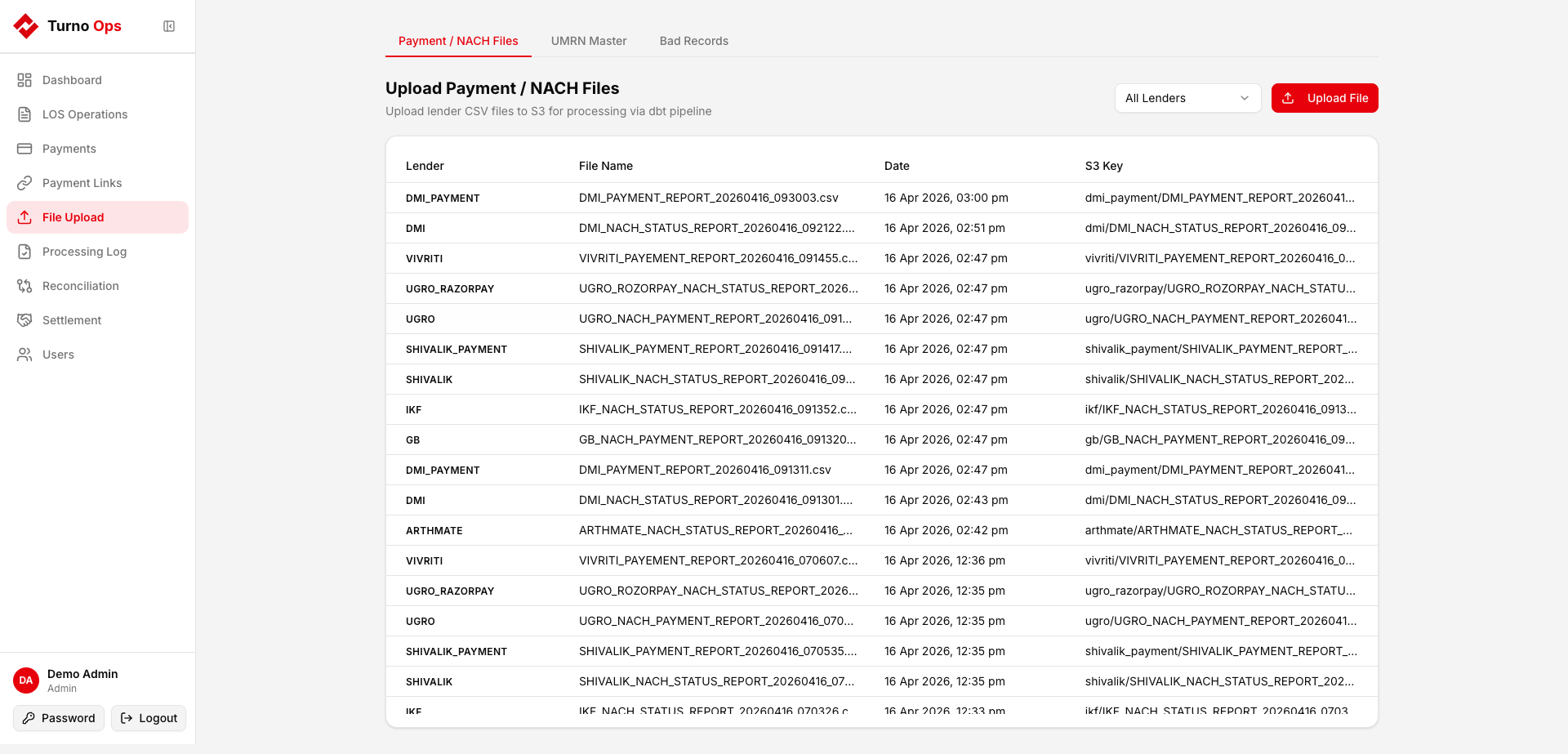
Upload lender CSV files with column validation, duplicate detection, and wrong-lender detection. See File Upload.
UMRN Master
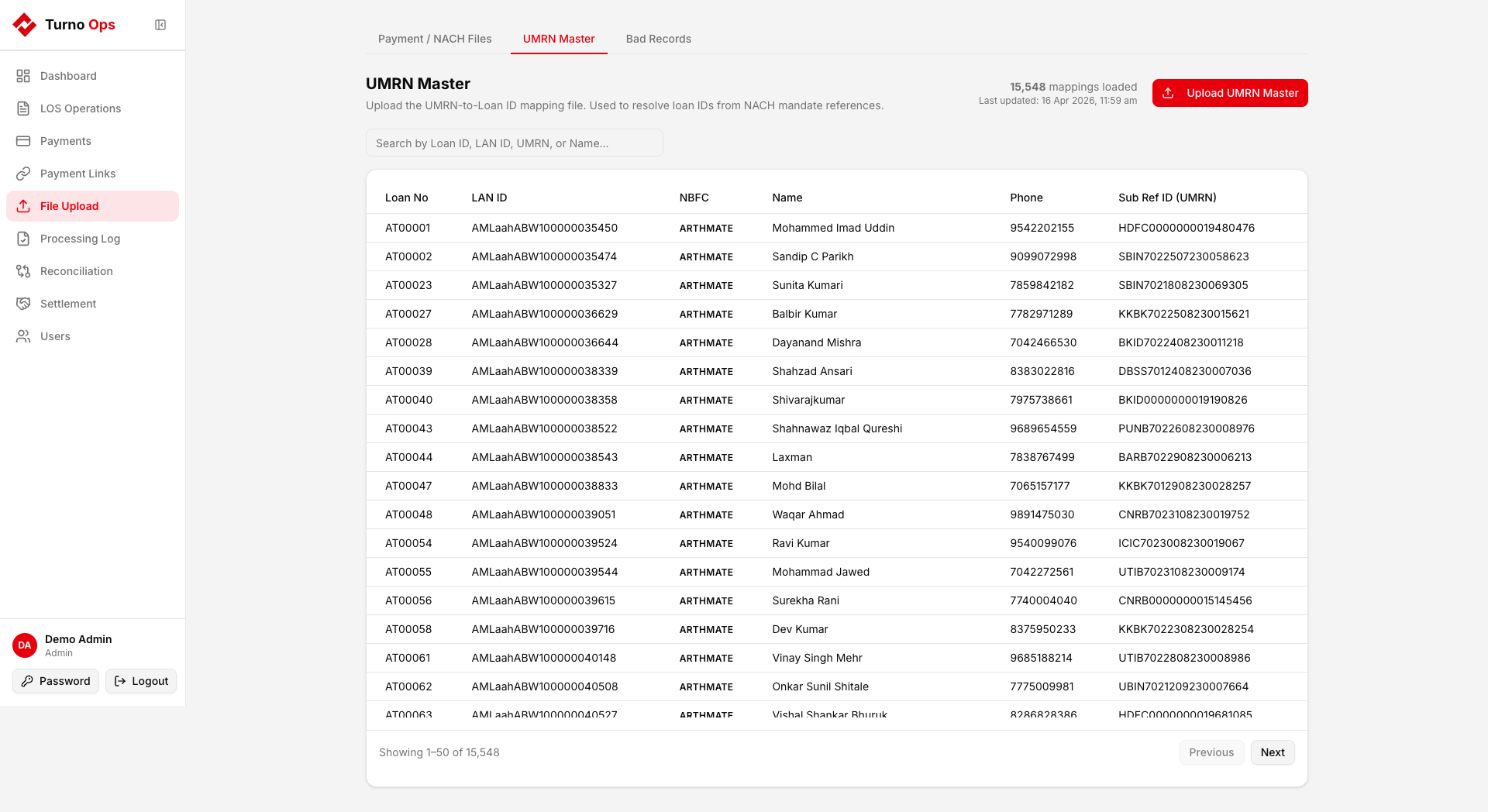
Upload the UMRN-to-Loan mapping file with truncate or append mode. See UMRN Master.
Bad Records
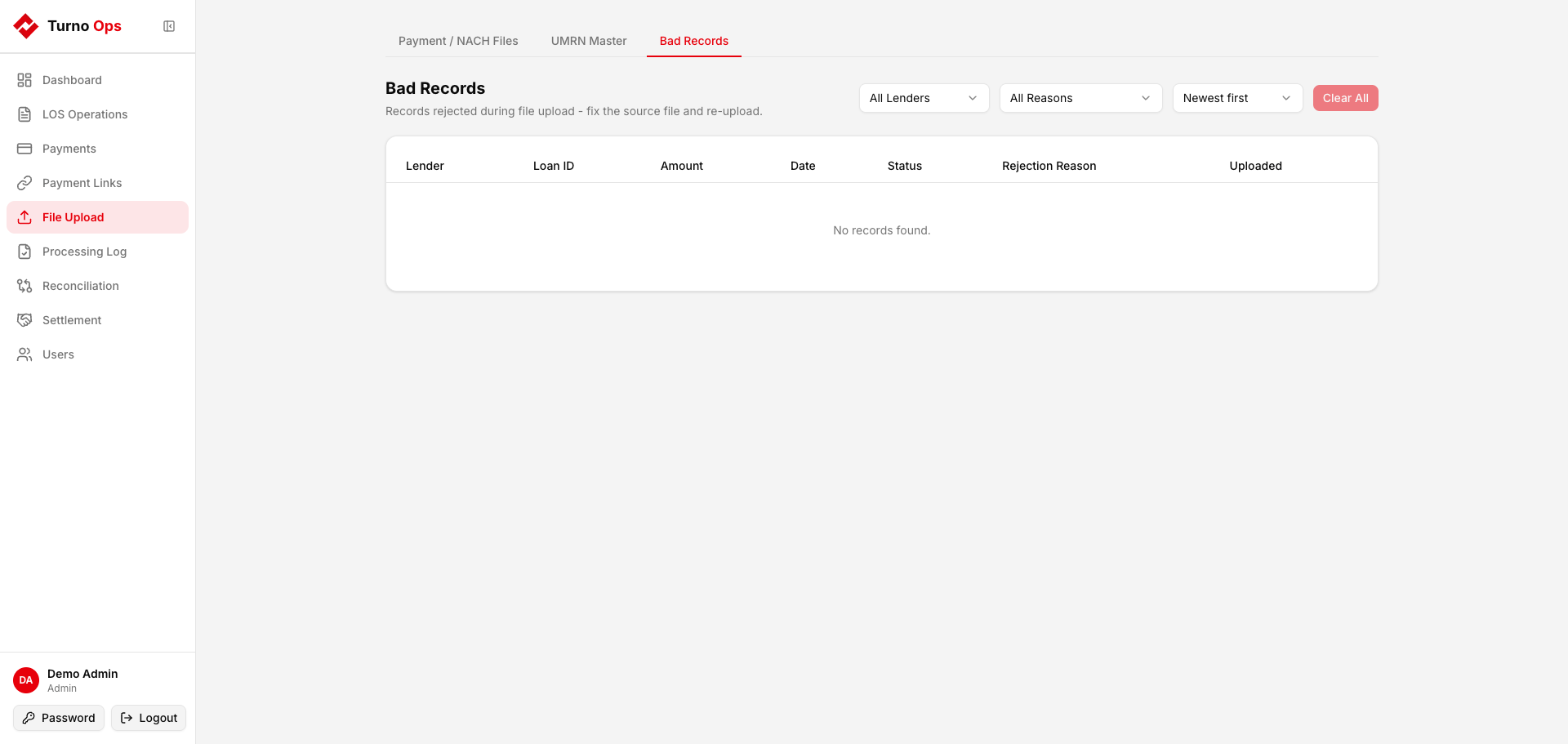
View rows rejected during file processing with rejection reasons. See Bad Records.
Processing Log
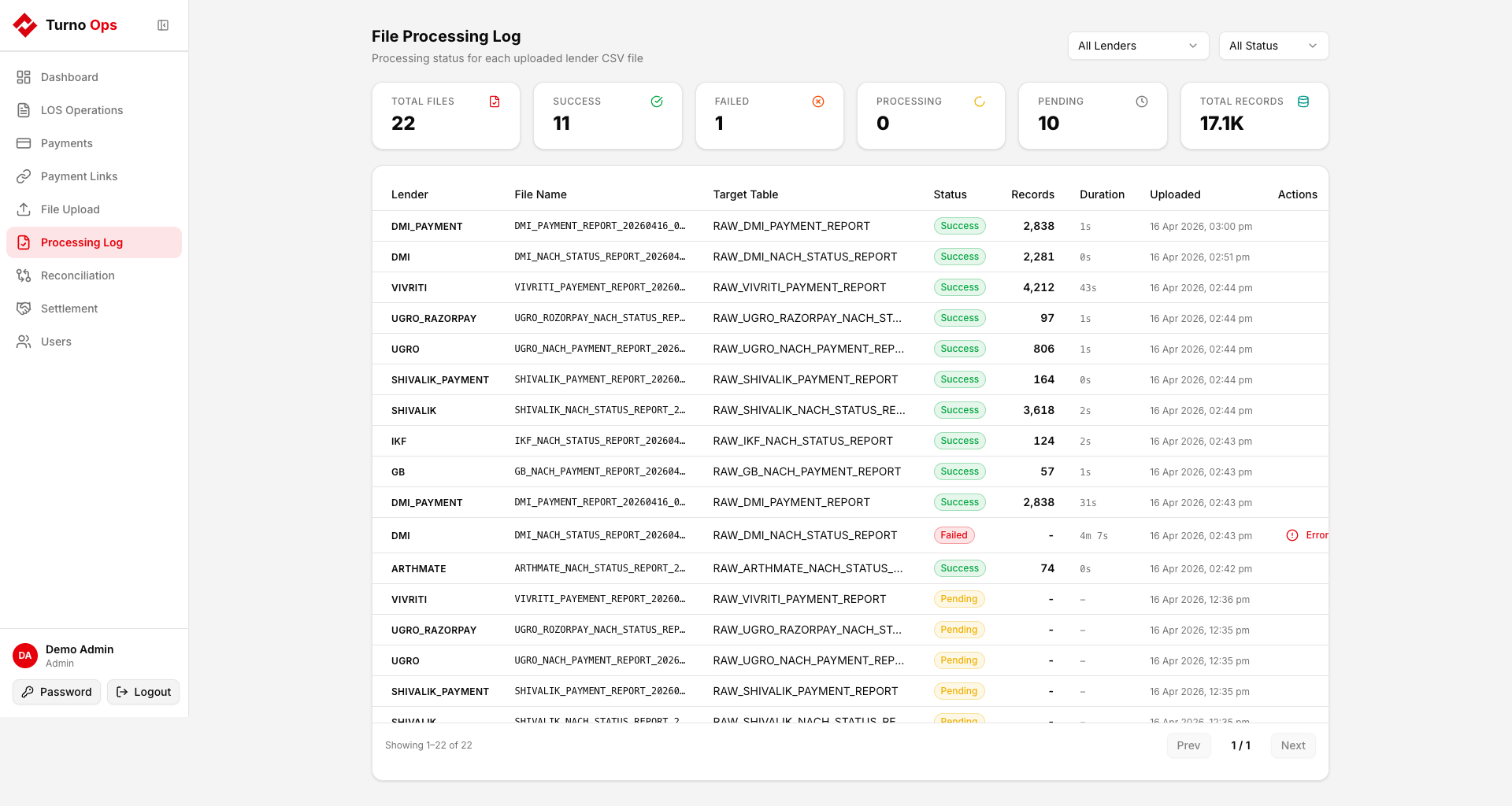
Monitor file processing status across all lenders:
- Summary stats (total, success, failed, processing, pending)
- Per-file status with timestamps and row counts
- Error details for failed files
See Processing Log.
Reconciliation
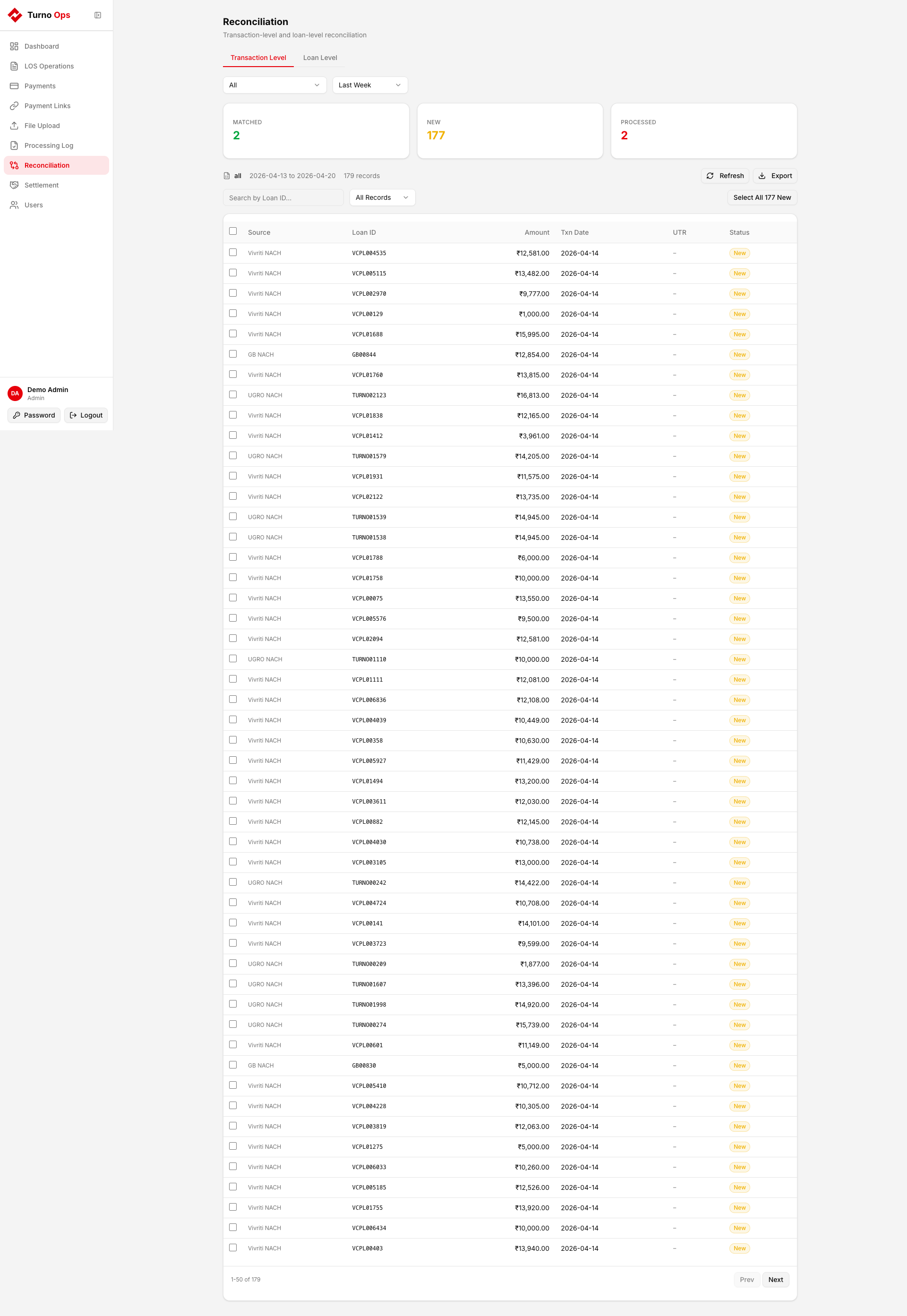
Two reconciliation modes:
Transaction Level
Compare NACH file records against webhook data for GB, UGRO, and Vivriti. Select and post unmatched records to Fineract. See Transaction Level Recon.
Loan Level
Upload a lender outstanding balance CSV and compare against Fineract. Identifies mismatches in principal, interest, and fees. See Loan Level Recon.
Settlement
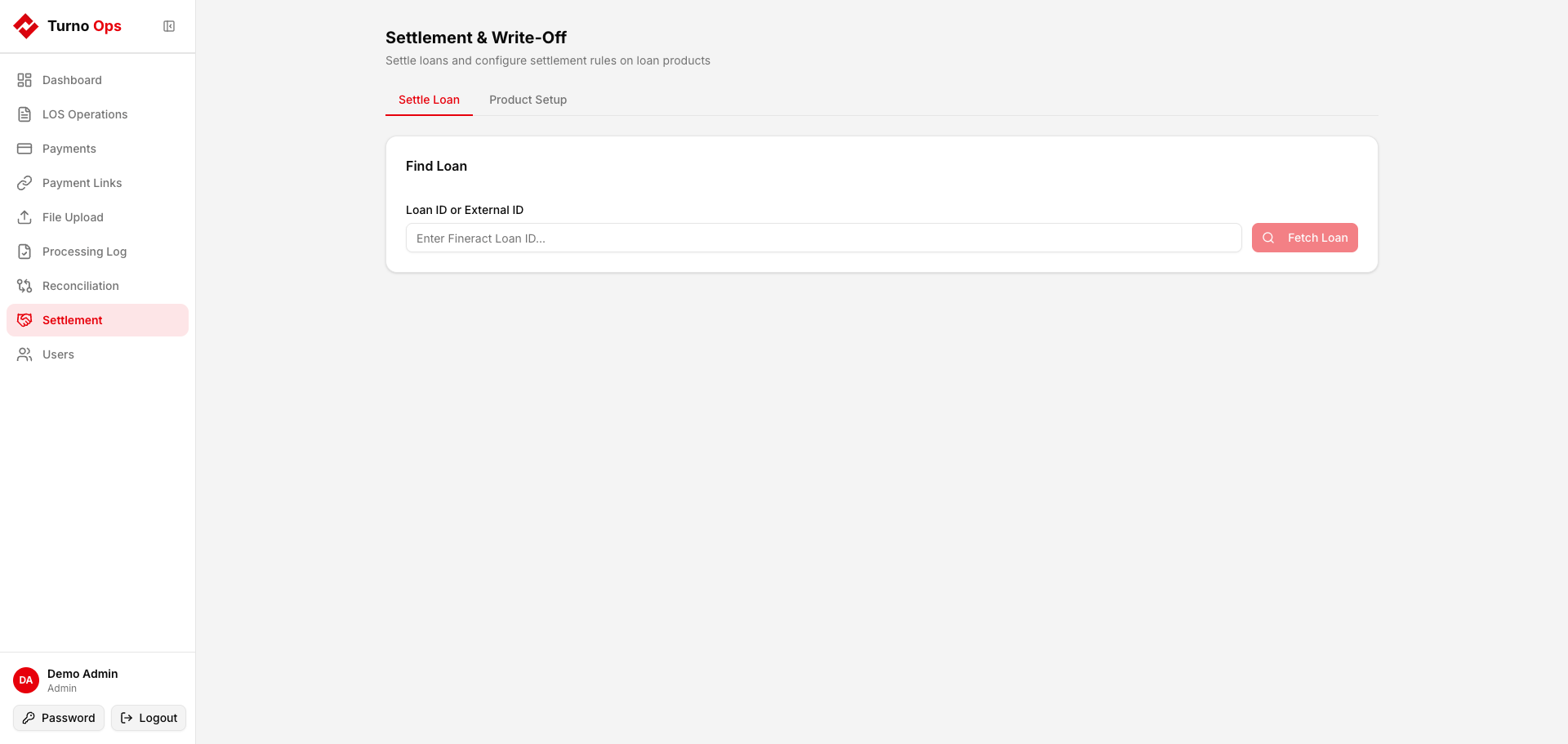
Calculate and execute loan settlements and write-offs. See Settlement.
Users
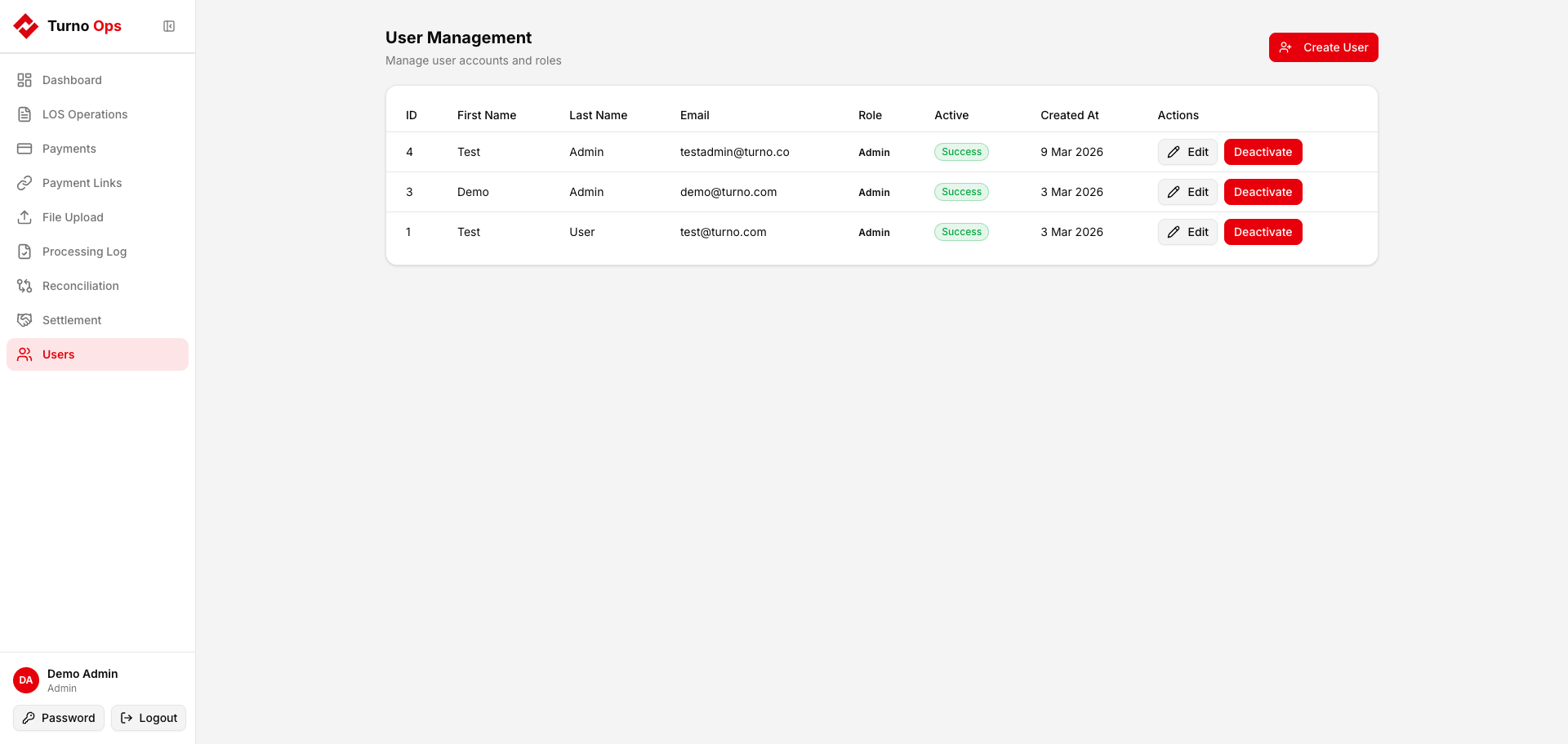
Admin-only user management:
- Create new users with email/password
- Assign roles (viewer, operator, admin)
- Activate/deactivate users
Navigation
| Page | Path | Description |
|---|---|---|
| Dashboard | /dashboard | System overview with KPIs |
| LOS Operations | /los-operations | Fineract operation results |
| Payments | /payments | Payment transaction log |
| Payment Links | /payment-links | Razorpay link generation |
| File Upload | /file-upload | CSV upload + UMRN + Bad Records |
| Processing Log | /file-processing | File processing status |
| Reconciliation | /reconciliation | Transaction + Loan recon |
| Settlement | /settlement | Loan settlement and write-off |
| Users | /users | User management (admin) |