
Payment Links
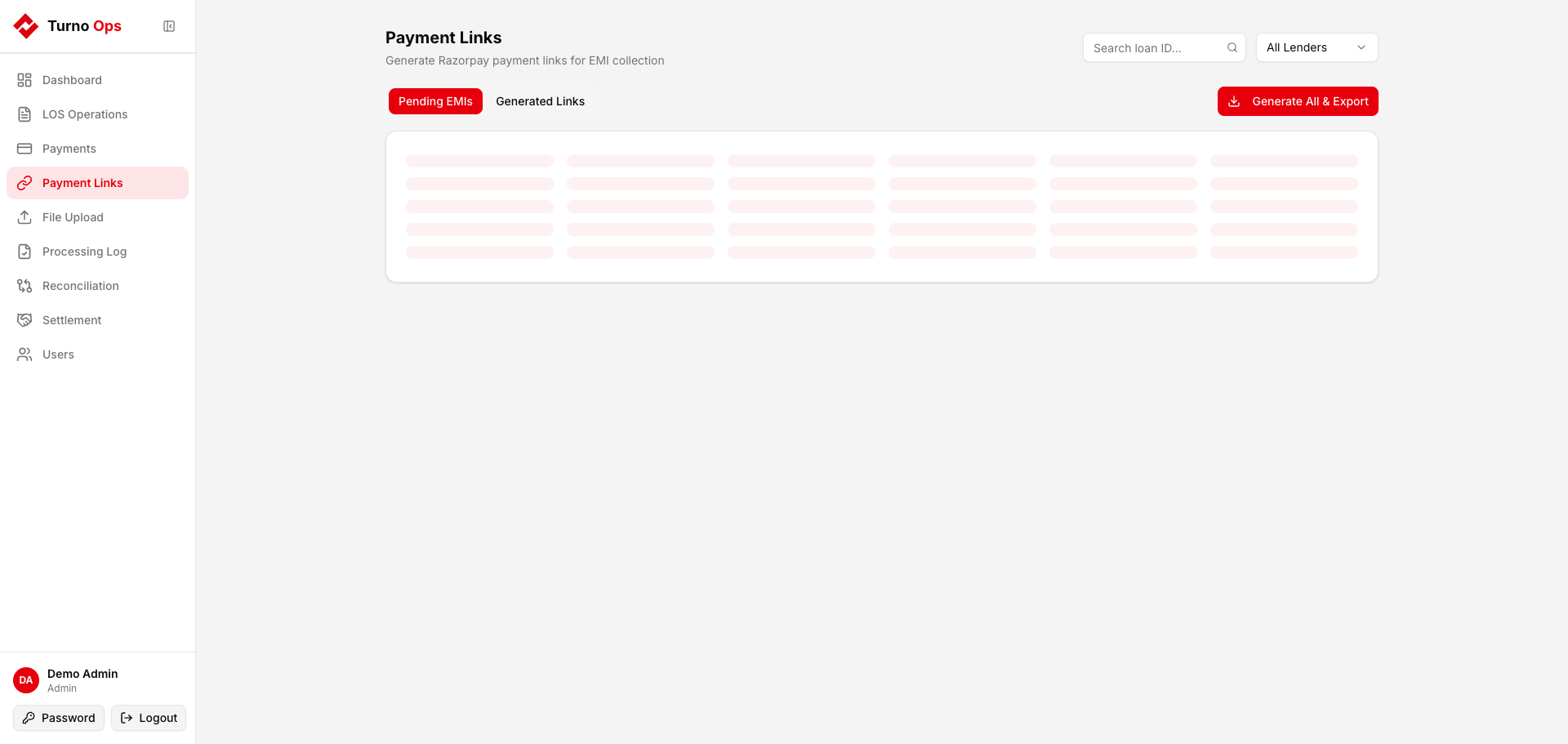
Generate Razorpay payment links for pending EMI collections. Borrowers receive a link to pay their EMI directly through UPI, cards, or net banking.
Features
- Pending EMIs - view all overdue/upcoming EMIs across loans
- Generate Links - create Razorpay payment links for individual EMIs
- Bulk Export - generate links for multiple EMIs and export as CSV
- Status Tracking - monitor link status (created, paid, expired, cancelled)
- Auto-Cancel - when a payment is captured via webhook, sibling links for the same EMI are automatically cancelled
Tabs
Pending EMIs
Shows loans with overdue or upcoming installments. Filter by lender. Each row shows:
- Loan ID, Client Name
- EMI Number, Due Date
- Amount Due
- Generate button
Generated Links
Shows all previously generated payment links with:
- Loan ID, EMI Number
- Amount, Payment Link URL
- Status (created / paid / expired / cancelled)
- Refresh status button
How It Works
- Select a loan's pending EMI and click Generate
- System calls Razorpay API to create a payment link
- Link URL is stored in the database
- Borrower receives the link (via SMS/email from Razorpay)
- When payment is made:
- Razorpay sends a webhook (
payment.captured) - Webhook saves to
RAW_*_RAZORPAY_API - Sibling payment links for the same EMI are auto-cancelled
- Payment flows through dbt to
CORE_TRANSACTION_DATA
- Razorpay sends a webhook (
Bulk Generation
Click Generate All & Export to:
- Generate payment links for all visible pending EMIs
- Download a CSV with loan IDs, amounts, and Razorpay link URLs
- Share the CSV for SMS/WhatsApp distribution
API Endpoints
| Method | Path | Description |
|---|---|---|
GET | /api/payment-links/pending-emis | Fetch pending EMIs |
POST | /api/payment-links/generate | Generate a payment link |
GET | /api/payment-links/list | List generated links |
POST | /api/payment-links/{id}/refresh-status | Refresh link status from Razorpay |
POST | /api/payment-links/bulk-generate-export | Bulk generate and export as CSV |