
Settlement & Write-Off
The Settlement feature allows operators to calculate and execute loan settlements (partial or full payoff) and write-offs in Fineract.
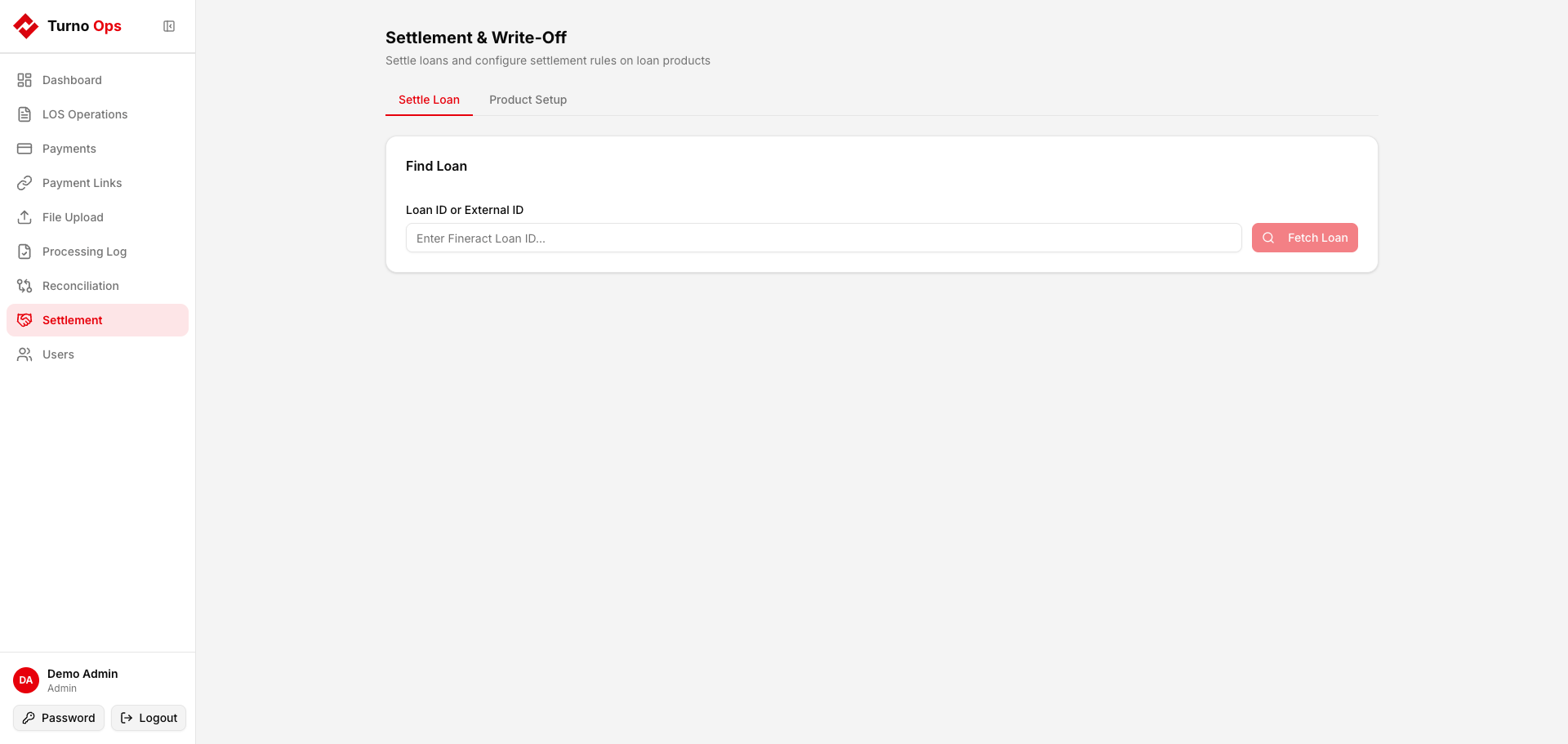
How It Works
- Find Loan - Enter the loan ID or external ID
- Preview - System calculates the settlement amount by component (principal, interest, fees, penalties)
- Execute - Posts the settlement to Fineract
Settlement Flow
- Enter the loan ID and click Search
- The system fetches the loan's current outstanding from Fineract
- Enter the settlement amount
- Preview shows how the amount will be allocated:
- Outstanding principal
- Outstanding interest
- Outstanding fees
- Outstanding penalties
- Click Execute Settlement to post to Fineract
Settlement Rules
Settlement products can be configured to control the allocation order. For example:
- Principal first, then interest, then fees
- Interest first, then principal, then fees
Configure rules per loan product via Settlement > Configure Rules.
API Endpoints
| Method | Path | Description |
|---|---|---|
GET | /api/settlement/loan/{loan_id} | Get loan details for settlement |
GET | /api/settlement/preview/{loan_id} | Preview settlement allocation |
POST | /api/settlement/execute/{loan_id} | Execute settlement |
GET | /api/settlement/products | List loan products with settlement rules |
POST | /api/settlement/products/{id}/configure | Configure settlement component order |