
Bad Records
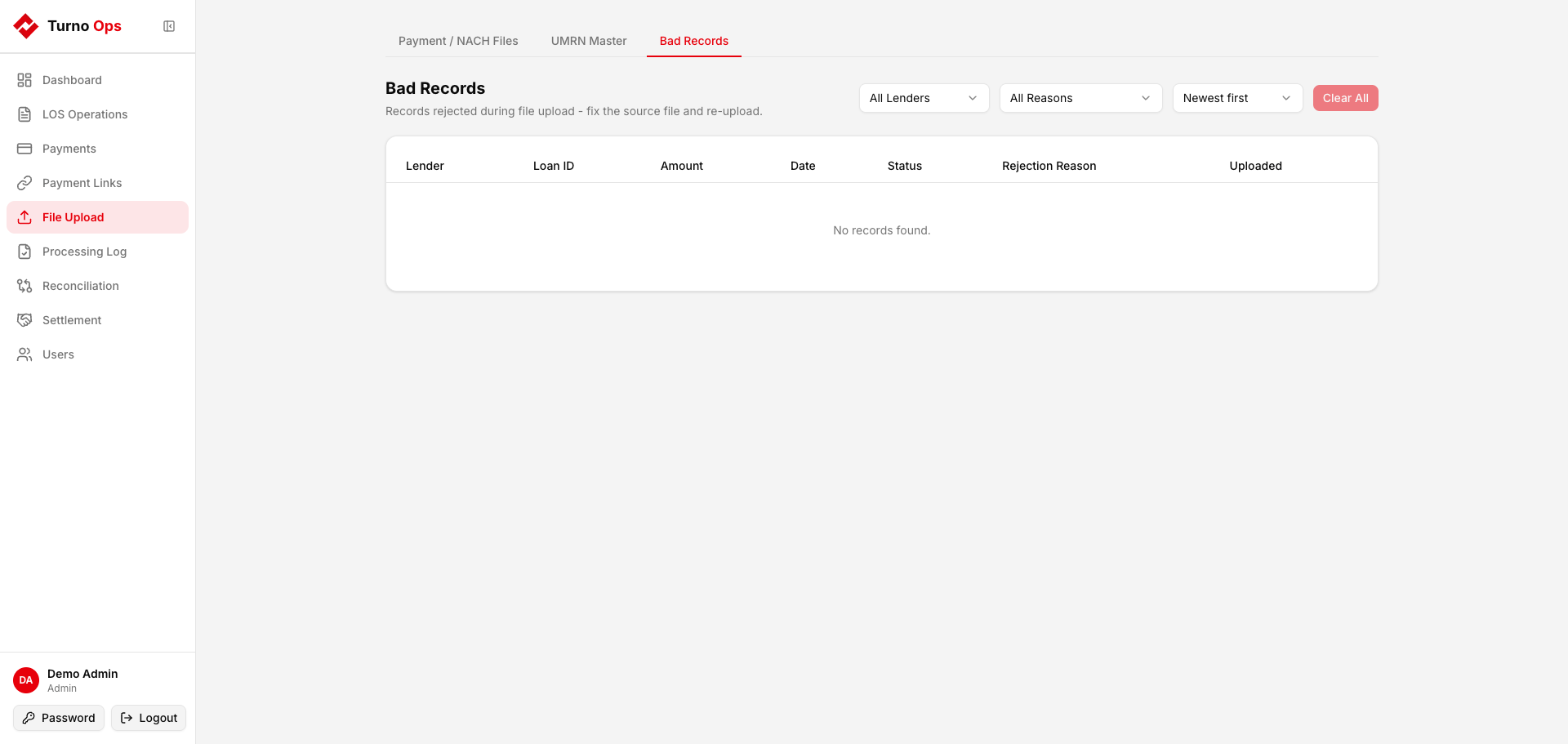
The Bad Records tab displays rows that were rejected during file upload. These records failed validation checks and were not loaded into the RAW tables.
Rejection Reasons
| Reason | Description | Example |
|---|---|---|
amount <= 0 | Transaction amount is zero or negative | Zero-amount settlement entries |
status not in allowed values | Payment status indicates failure | BOUNCE, FAILED, Bounced |
blank loan_id | No loan identifier after all resolution attempts | Blank Order Note in Cashfree, UUID order_receipt in Vivriti |
Viewing Bad Records
- Go to File Upload > Bad Records tab
- Filter by:
- Lender - select a specific lender
- Reason - filter by rejection reason
- Sort - newest first, oldest first, by lender, by reason
- Clickable reason count pills at the top show counts per reason - click to filter
Record Details
Each rejected row shows:
- Lender - which lender file it came from
- Loan ID - the loan identifier (if available)
- Amount - transaction amount
- Date - transaction date
- Status - original status value
- Rejection Reason - why it was rejected
- Uploaded - when the file was processed
Clearing Records
Click Clear All (or Clear {lender} when filtered) to remove rejected records from the table. This is useful after reviewing and re-uploading corrected files.
WARNING
Clearing records is permanent - they cannot be recovered. Review them before clearing.
Re-uploading Corrected Files
After identifying bad records:
- Fix the source CSV (correct amounts, statuses, loan IDs)
- Clear the rejected records for that lender
- Reset the file processing log:
DELETE FROM "RAW"."RAW_S3_FILE_PROCESSING_LOG" WHERE lender_key = '{lender}' - Re-upload the corrected file
Database Table
RAW.RAW_REJECTED_RECORDS
| Column | Type | Description |
|---|---|---|
lender_key | text | Lender identifier |
source_file | text | S3 key of the source file |
loan_id | text | Loan ID (if available) |
amount | numeric | Transaction amount |
date | timestamp | Transaction date |
status | text | Original status value |
note | text | Remarks |
rejection_reason | text | Why the row was rejected |
created_at | timestamptz | When the rejection was recorded |
API Endpoints
| Method | Path | Description |
|---|---|---|
GET | /api/rejected-records | List with filters (lender, reason, sort, pagination) |
DELETE | /api/rejected-records | Clear records (optional lender filter) |